LogoTopAIHubs
icon of MusicWave

MusicWave

AI music suite to generate, remix, and master royalty-free songs from text or images.

Introduction

What is MusicWave

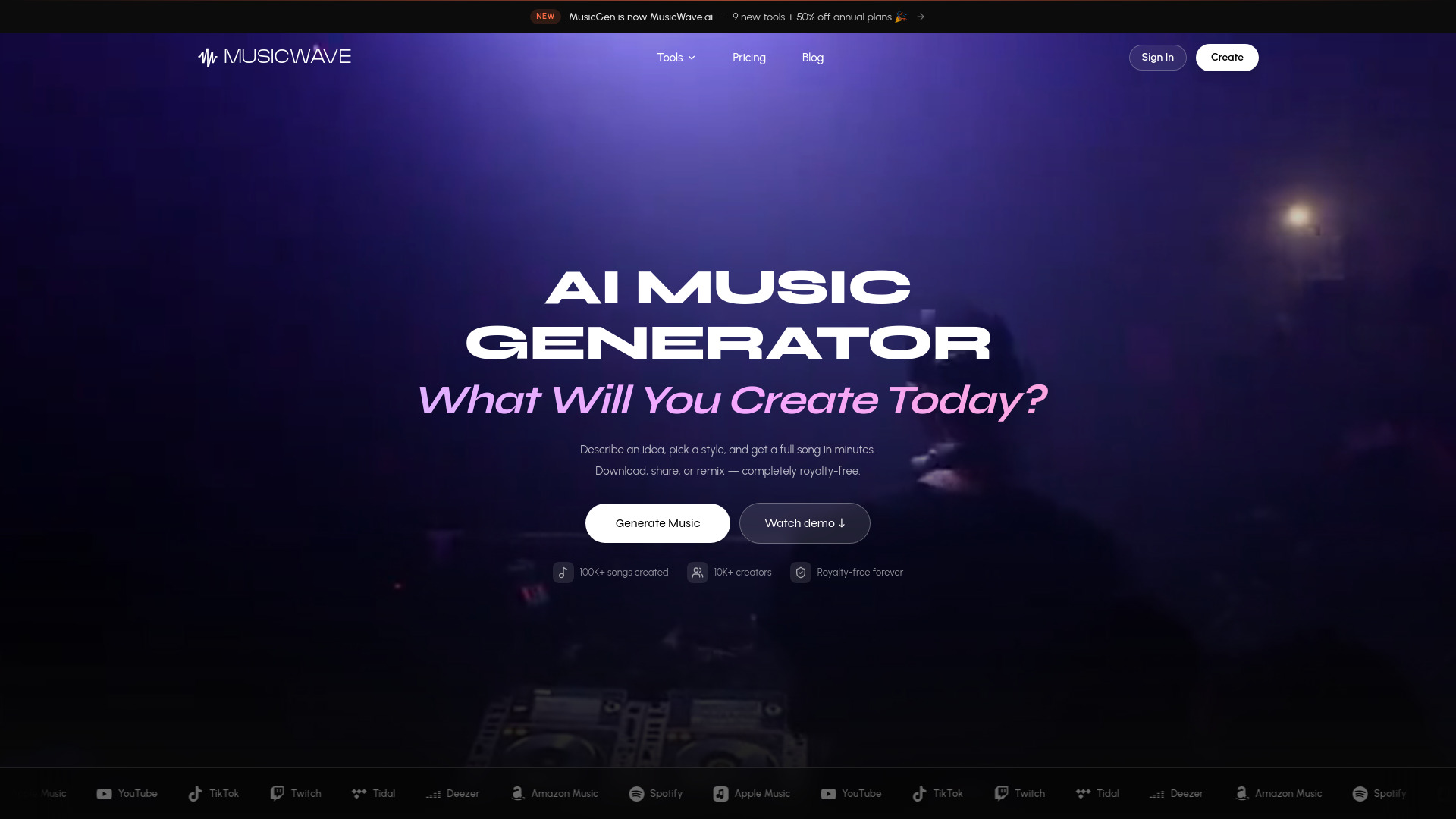
MusicWave is an AI-powered music suite that allows users to generate, remix, and master royalty-free songs from text prompts or images. It aims to simplify music creation for musicians, producers, content creators, and brands.

How to use MusicWave
  1. Start with your idea: Write a prompt or input lyrics.
  2. Choose your style: Select a genre, mood, and vocal style, or use custom options for precise control.
  3. Generate, then refine: Listen to different versions, select the best one, and download or share it.
Features of MusicWave
  • AI Song Generator: Create full tracks (melody, lyrics, arrangement) from text prompts.
  • Image to Song: Generate music based on uploaded photos, interpreting mood, palette, and scene.
  • AI Lyrics Generator: Create lyrics, with options to tweak lines, rhyme schemes, and structure.
  • AI Cover Song Generator: Swap vocals on existing tracks, with options for different tones and timbres.
  • AI Remix: Reimagine songs in new genres or moods.
  • Extend Song: Continue existing songs seamlessly.
  • Replace Section: Swap out verses, bridges, or choruses without regenerating the entire song.
  • Add Vocals: Add AI-generated singing voices to instrumental tracks.
  • Music Video Generator: Create AI-generated music videos synced to the song's energy.
  • Stem Splitter: Isolate vocals, drums, bass, and instruments into separate, time-aligned stems.
  • BPM & Key Finder: Automatically detect the key, scale, and tempo of audio files.
  • Audio to MIDI Converter: Extract MIDI files from audio, allowing for editing and use in DAWs.
  • Audio Mastering: Enhance the overall sound quality of tracks.
Use Cases of MusicWave
  • Musicians & Producers: Quickly sketch song ideas, export stems for DAW work, and refine mixes.
  • Content Creators: Generate background music for videos, streams, or podcasts without licensing issues.
  • Brands & Marketers: Create original audio for ads, social media content, and brand channels with full commercial rights.
  • Personal Projects: Create music for enjoyment and personal use.
Pricing

MusicWave offers several pricing tiers:
  • Free: $0/month. Includes 10 free credits on signup (approx. 2 songs), access to free models, unlimited AI lyrics and BPM/Key checks. For personal use only.
  • Starter: $4.99/month (billed annually, saves 50%). Includes 1,000 credits/month, access to all models, AI Cover Song Generator, Image to Song, Extend Song, full-length songs, stem splitter (6 credits), unlimited BPM/Key checks, unlimited AI lyrics, multi-language support, cloud storage. For personal use only.
  • Pro: $12.49/month (billed annually, saves 50%). Includes 3,000 credits/month, everything in Starter, plus Remix songs, Replace song sections, Add vocals to instrumentals, Audio Mastering, MIDI Editor, priority generation queue, commercial license, and downloadable license PDF.
  • Creator: $24.99/month (billed annually, saves 50%). Includes 7,500 credits/month, everything in Pro, plus Voice Personas, Audio to MIDI, AI Music Videos, access to beta features, and priority email support.
FAQ
  • What is MusicWave? MusicWave is an AI music tool where users describe what they want, and it creates a full song including lyrics, melody, and instruments. It also offers features like splitting stems, swapping voices, and writing lyrics.
  • Can I use the music commercially? On paid plans, users retain commercial rights to the songs they create. Specific details are available on the pricing page.
  • Do I need music theory or DAW experience? No, users can start with plain-language prompts. If using a DAW, stems can be exported for mixing.
  • What formats do you support? Common audio formats like MP3 and WAV can be uploaded. Users can export full mixes or separated stems.
  • Do you have a mobile app? The focus is on the web experience, with accounts and projects syncing across devices in the browser.
  • What makes MusicWave different from other AI music tools? MusicWave differentiates itself by offering not only music generation but also stem splitting, voice swapping, lyric writing, and export capabilities, allowing users to do more within a single application.
  • What are the limits on the free plan? The free plan offers 10 credits per month (enough for about 2 songs) with the basic AI model. Paid plans provide more credits, better models, and commercial rights.
  • How do credits and usage work? Each song or tool usage costs credits. Plans include a monthly allowance that resets, with specific costs visible on the pricing page.
  • Can I cancel anytime? Yes, users can manage their plans from Settings → Billing, with access remaining active until the end of the current billing period.
  • Who owns the data I upload? Users own their uploads and outputs, subject to their plan's license. The company states they do not sell user data.

Newsletter

Join the Community

Subscribe to our newsletter for the latest news and updates