What is MuxDesk
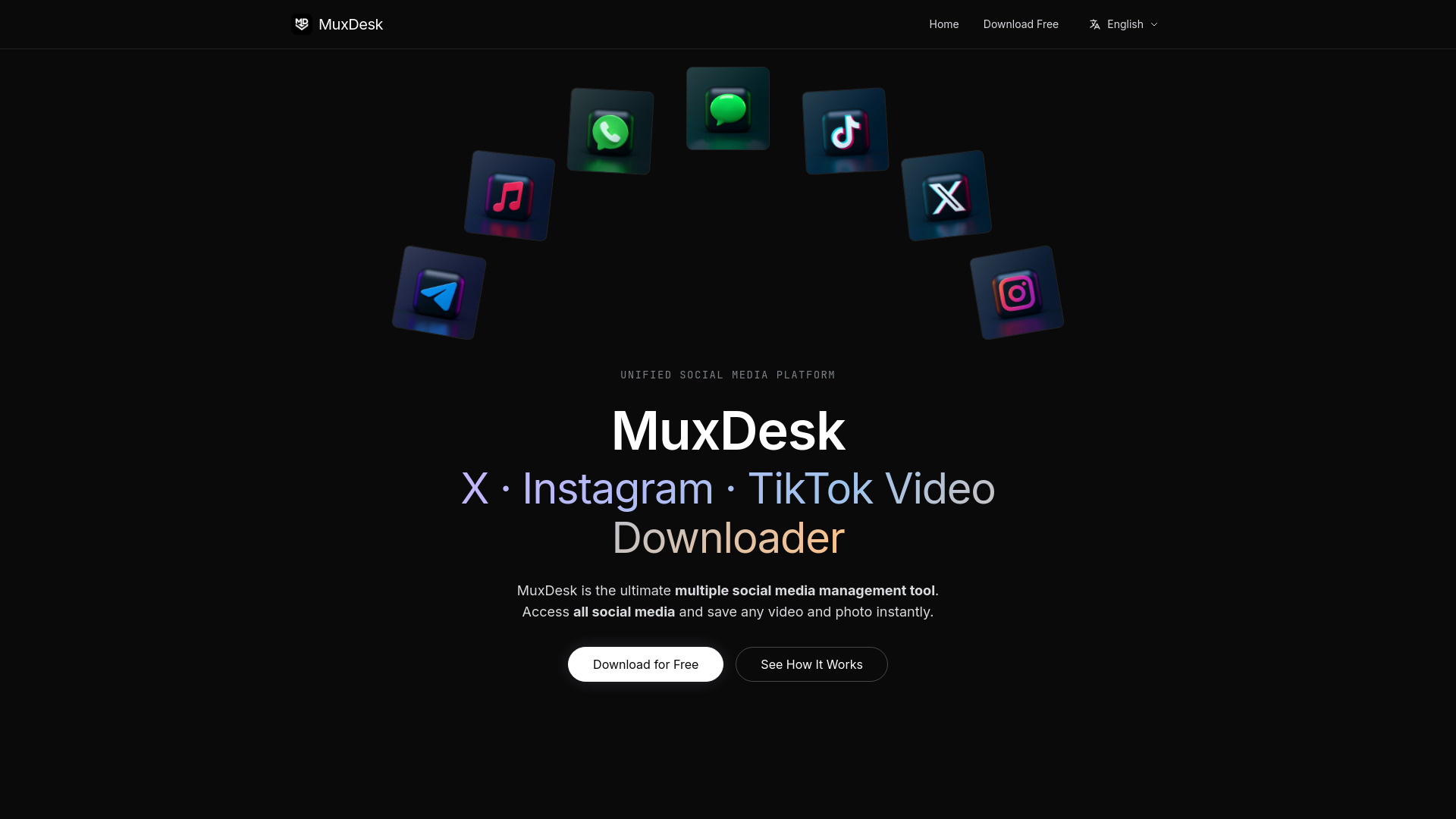
MuxDesk is a unified social media management desktop app that allows you to manage multiple accounts across X (Twitter), Telegram, Instagram, and WhatsApp in one place. It also features a built-in one-click media downloader that automatically detects and saves HD videos, images, and audio from your social feeds without requiring link copying.
How to use MuxDesk
- Download & Install: Get MuxDesk for free on Windows or macOS. Installation takes less than a minute.
- Add Your Accounts: Connect all your social media accounts in one click. Multiple accounts per platform are supported.
- Browse & Save: Browse all your feeds from one place. When you see media you like, click the blue "Extract" button that appears directly on any video or image post to download it locally.
Features of MuxDesk
- Multi-Account Matrix: Run and manage multiple accounts of the same platform side-by-side (e.g., 5 Telegram accounts, multiple WhatsApp accounts).
- One-Click Media Download: Built-in media sniffer automatically detects video streams and images as you browse. No third-party tools or link-copying required.
- HD Video Download: Download X (Twitter) videos in original HD quality, save Instagram Reels and Stories without watermarks, batch-download Telegram video files.
- Full-Resolution Image Saving: Extract original full-resolution images from Instagram, X, and Telegram — bypassing platform compression.
- Real-Time Download Queue: Track progress of downloads with a queue and progress bar.
- Cross-Platform Support: Available for Windows and macOS.
- Sandboxed Security: Runs sandboxed instances of official web clients; login credentials are sent directly to social networks and never stored by MuxDesk.
Use Cases of MuxDesk
- Social Media Managers: Handle multiple client accounts across platforms from one desktop client, saving hours daily.
- Content Creators: Download high-resolution images and HD videos from Instagram, X, and Telegram for repurposing or archiving.
- Growth Marketers: Monitor feeds and quickly save media assets for campaigns without switching between tabs or using web-based downloaders.
- Power Users: Replace tools like Franz or Rambox with a lightweight alternative that includes built-in media downloading.
FAQ
Can I manage multiple accounts of the same platform on MuxDesk?
Yes. You can run and manage multiple accounts of the same platform (e.g., 5 Telegram accounts, multiple WhatsApp accounts) side-by-side without logging out.
How does MuxDesk's built-in social media downloader work?
Unlike web-based downloaders that require copying and pasting links, MuxDesk has a built-in one-click media sniffer. When you browse your social feeds, it automatically detects media streams, enabling one-click saving of HD videos, images, and audio directly to your computer.
Is MuxDesk a safe alternative to platforms like Franz or Rambox?
Yes. MuxDesk runs sandboxed instances of the official web clients of each service. Your login credentials and data are sent directly to the respective social networks and are never stored or accessed by MuxDesk.
Which desktop operating systems are supported?
MuxDesk is available for both Windows and macOS.