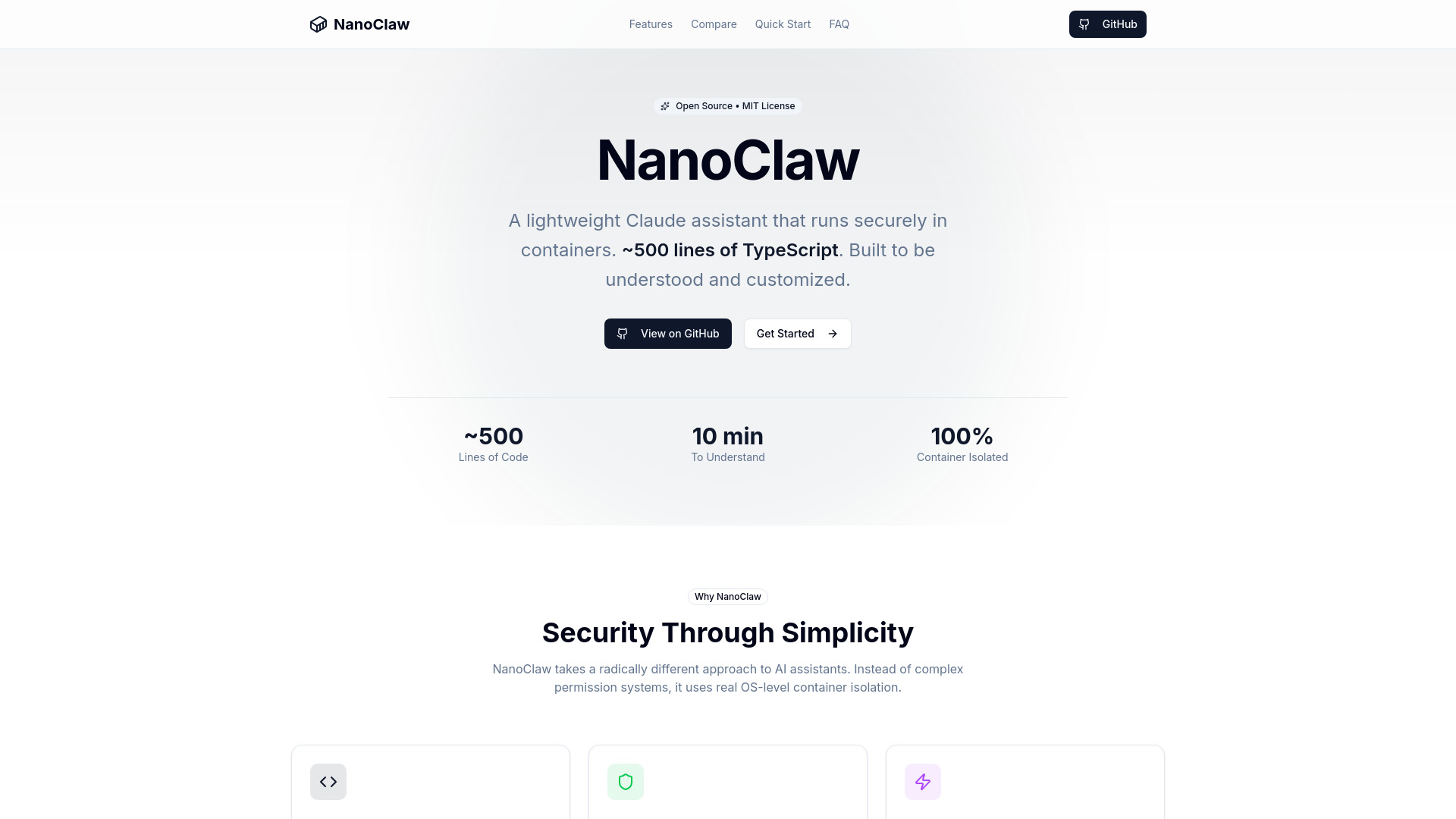
What is NanoClaw
NanoClaw is a minimalist, secure Claude assistant that runs in OS-level containers. It is built with approximately 500 lines of TypeScript, emphasizing simplicity and customizability.
How to use NanoClaw
- Clone the Repository:
git clone https://github.com/gavrielc/nanoclaw.git - Enter the directory (This step is implied but not explicitly detailed).
- Use Claude Code for setup (no manual configuration needed).
- Setup (This step is implied but not explicitly detailed).
Features of NanoClaw
- Small Codebase: Approximately 500 lines of core TypeScript code, designed to be easily understood.
- Secure by Isolation: Utilizes OS-level container isolation (Apple Container on macOS, Docker on Linux) for sandboxing each chat.
- Minimal Dependencies: Designed with very few external dependencies.
- Customization: Built to be forked and modified directly, with the small codebase making changes safer.
- WhatsApp Integration: Allows direct messaging with the Claude assistant from WhatsApp.
- Container Isolation: Each chat runs in its own sandboxed environment.
- Scheduled Tasks: Enables setting up recurring jobs for automated Claude execution.
- Web Access: Includes built-in web search and content fetching capabilities.
- Isolated Groups: Each group maintains its own memory and filesystem.
- Skills System: Supports adding optional integrations like Gmail.
Use Cases of NanoClaw
- Sales Pipeline Assistant: Schedule daily overviews of the sales pipeline.
- Documentation Maintainer: Review git history and update README files.
- AI News Briefing: Compile news on AI developments from various sources.
- Email Management: Integrate with Gmail to manage inbox, draft responses, and summarize emails.
- Smart Home Control: Connect to home automation systems and control devices via WhatsApp.
- Research Assistant: Search the web, fetch content, summarize articles, and compile reports.
FAQ
- Why WhatsApp and not Telegram/Signal? (Answer not provided in content)
- Why Apple Container instead of Docker? (Answer not provided in content)
- Can I run this on Linux? (Answer not provided in content)
- Is this secure? (Answer not provided in content)
- Why no configuration files? (Answer not provided in content)
- How do I debug issues? (Answer not provided in content)
Requirements
- Operating System:
- macOS (Apple Silicon recommended)
- Linux (x86_64 or ARM64)
- Software:
- Node.js 20+
- Claude Code
- Apple Container (macOS) or Docker