What is Remove background - 1
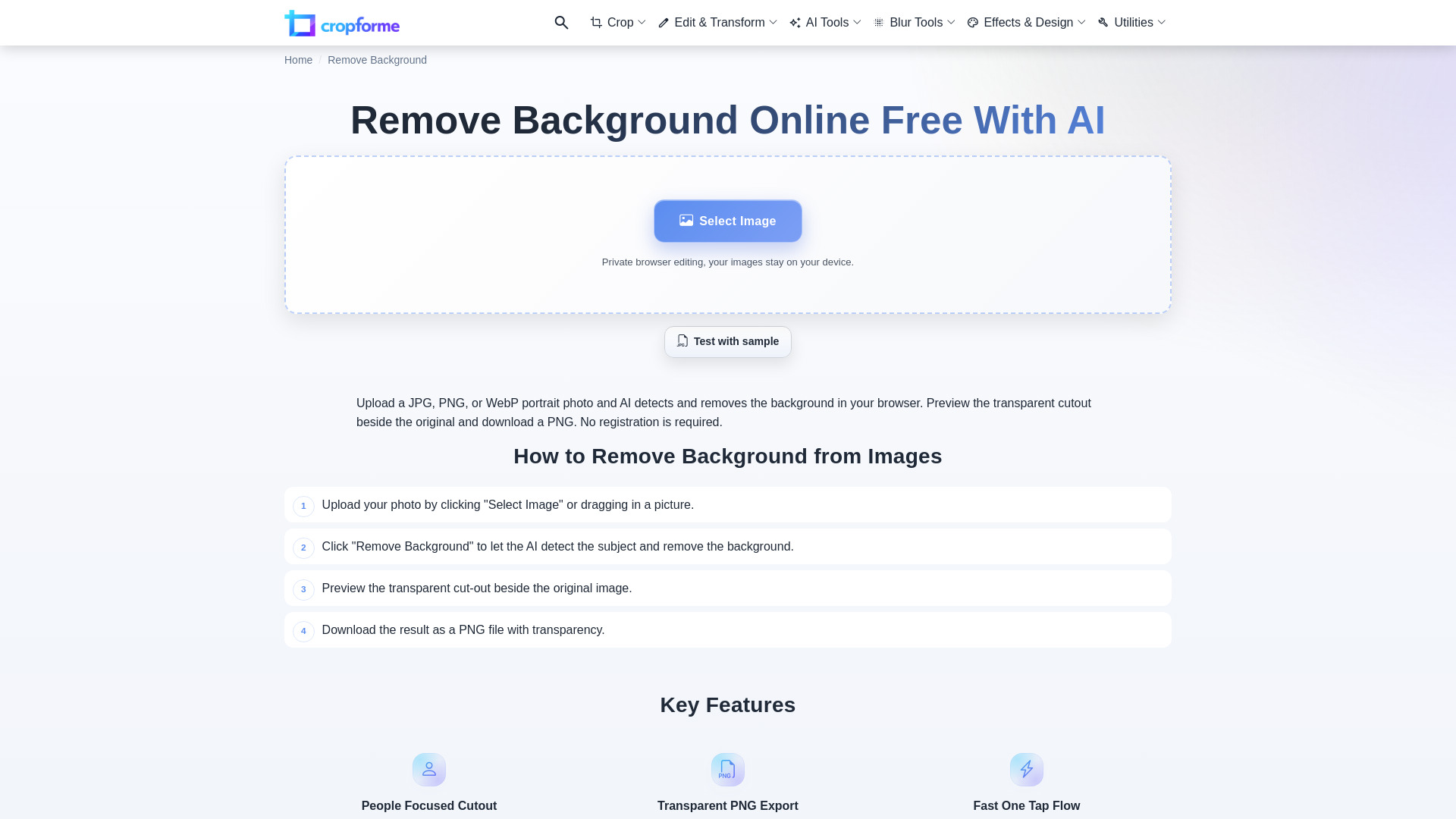
CropForMe's AI background remover is a free online tool that instantly removes image backgrounds. It processes images directly in your browser, ensuring privacy and fast results without requiring file uploads.
How to use Remove background - 1
- Upload your photo by clicking "Select Image" or dragging in a picture.
- Click "Remove Background" to let the AI detect the subject and remove the background.
- Preview the transparent cut-out beside the original image.
- Download the result as a PNG file with transparency.
Features of Remove background - 1
- People Focused Cutout: The tool is tuned for photos of people, separating the subject from the background quickly.
- Transparent PNG Export: Save results with a clear background for use in slides, ads, and new layouts.
- Fast One Tap Flow: Upload, remove background, review cutout, and download in a short workflow.
- Private Browser Editing: Images stay on your device; processing happens in the browser.
- No Registration Required: Use the tool without signing up.
Use Cases of Remove background - 1
- Creating transparent images for e-commerce listings.
- Preparing images for social media posts.
- Designing graphics for websites and presentations.
- Extracting subjects from photos for creative projects.
Pricing
This tool is free to use.
FAQ
- How accurate is the AI background removal? On well-lit photos with clear subjects, AI removal is typically 90 to 95 percent accurate. People, products, and pets with distinct edges work best.
- What image types work best? High-resolution photos with good lighting and clear subject-to-background contrast produce the best cut-outs.
- Can I use the results commercially? Yes. You keep full rights to your processed images for e-commerce, marketing, or social use.
- What format will my image download in? Downloads are in PNG with a transparent background so you can place the subject anywhere.
- Is my image stored or used for training? No. Processing happens in your browser and images are not uploaded, saved, or used for training.
- Can I process multiple images? Yes. Run them one at a time with no daily limits; each image usually processes in a few seconds.