What is Seedance 2.0-10
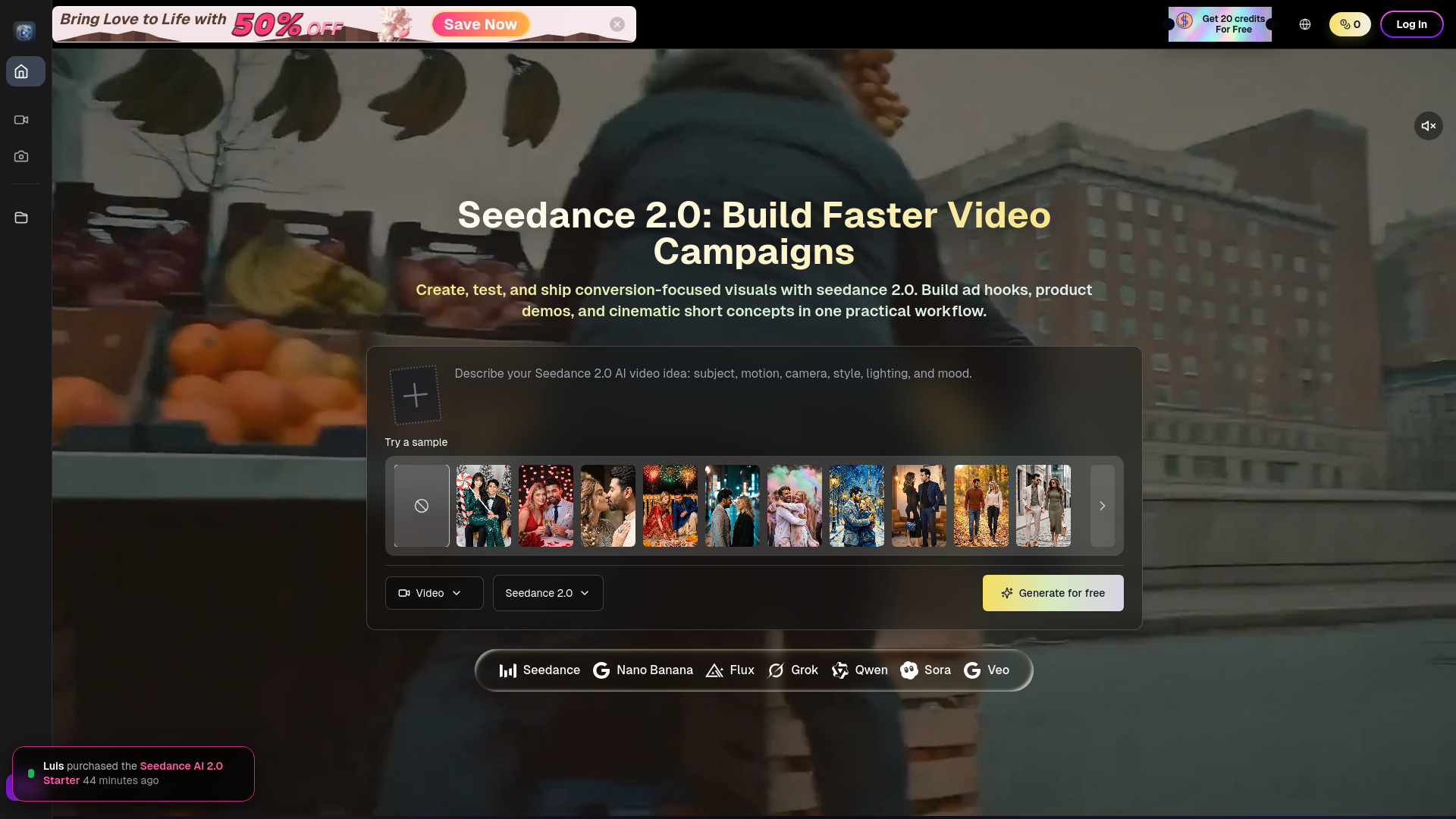
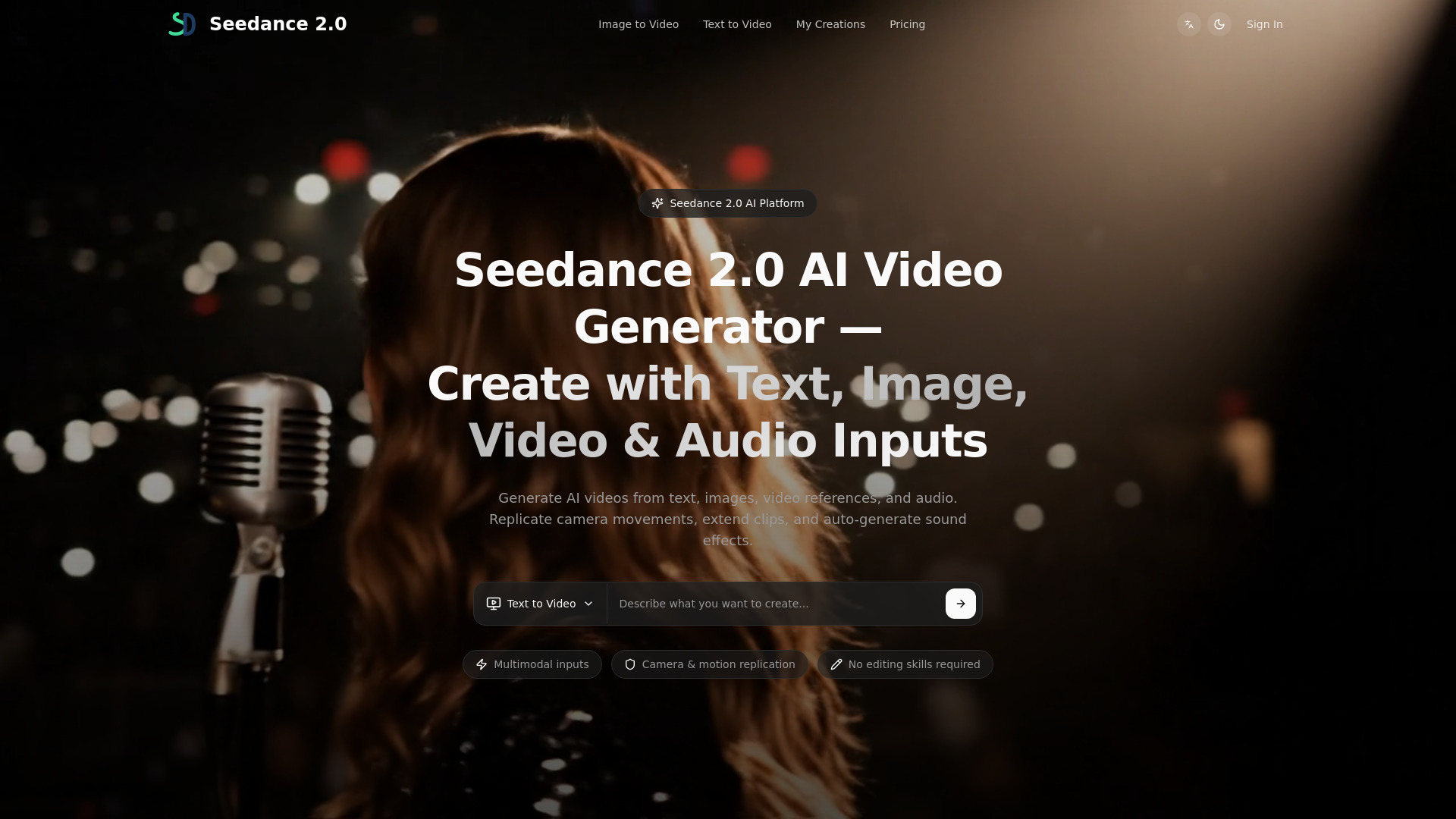
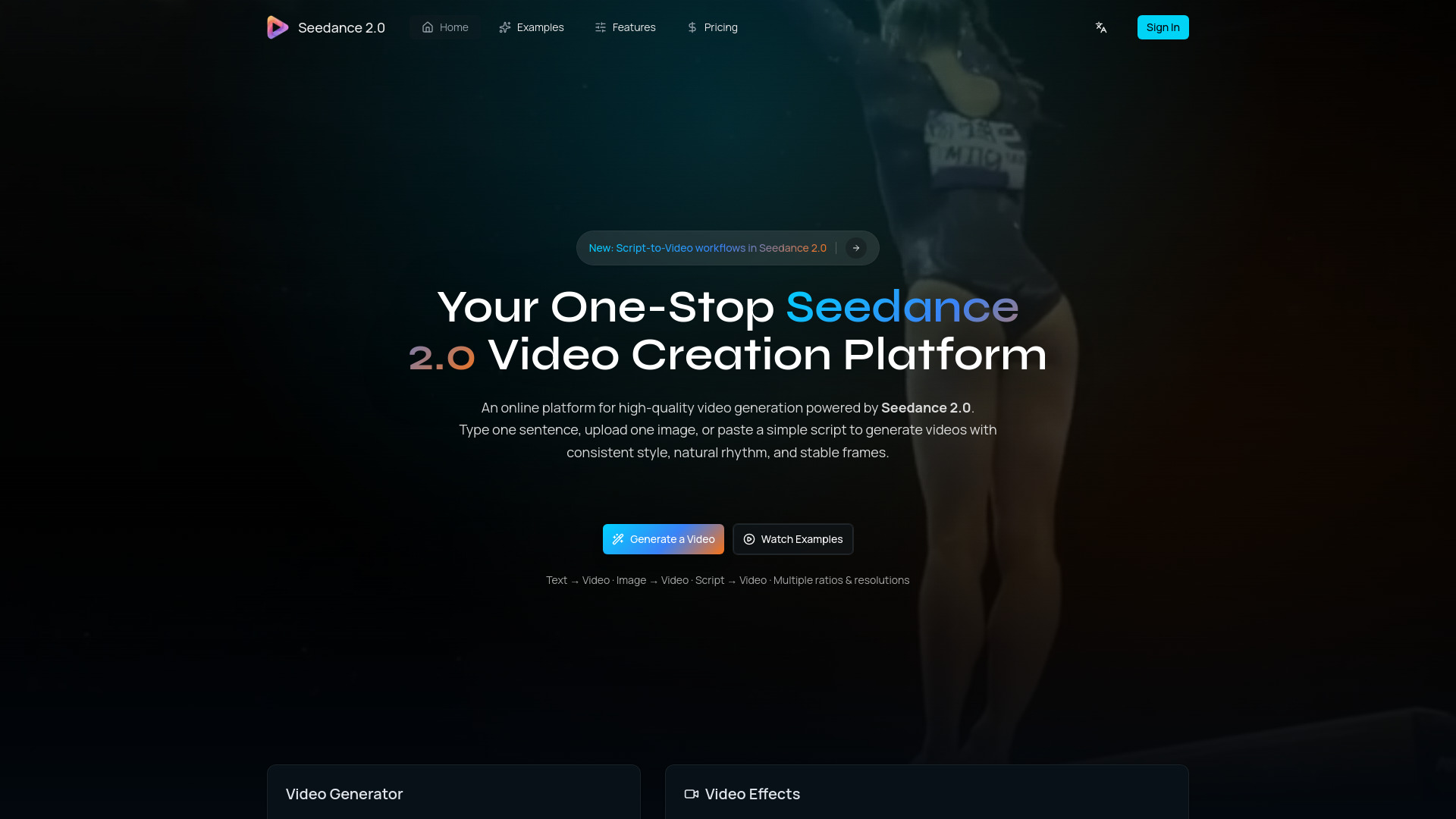
Seedance 2.0 is an online platform for high-quality AI video generation, powered by the Seedance 2.0 engine. It allows users to generate consistent, stable videos from text prompts, images, or simple scripts, featuring integrated audio and character consistency.
How to use Seedance 2.0-10
- Choose a mode: Select Text to Video, Image to Video, or Script to Video.
- Provide input:
- Text to Video: Describe the scene, action, and style in one or two sentences.
- Image to Video: Upload a reference image to anchor composition and identity.
- Script to Video: Paste a simple script to shape story beats and transitions.
- Configure settings: Select size (aspect ratio), model, clarity, and duration (seconds).
- Adjust options: Toggle features like Fixed Lens and Generate Audio.
- Generate: Click the generate button.
- Iterate: Refine output by tweaking prompts or settings.
- Export: Choose ratio and resolution, then download the video.
Features of Seedance 2.0-10
- High-Quality AI Video Generation: Creates consistent, stable videos.
- Multiple Input Methods: Supports text prompts, reference images, and simple scripts.
- Integrated Audio Generation: Generates synchronized audio, including sound effects, music, speech synthesis, and multilingual lip-sync (Pro version).
- Character Consistency: Maintains subject appearance and proportions across generated clips.
- Physics-Aware Motion: Realistic simulation for cloth, water, smoke, flames, and particles.
- Temporal Consistency: Diffusion transformer architecture ensures stable frames and smooth transitions.
- Aspect Ratio and Resolution Control: Supports common ratios (9:16, 1:1, 16:9) and resolutions (720p, 1080p).
- Iteration Friendly: Allows small changes and fast re-renders without starting over.
- Fixed Lens Option: Keeps the camera view static and stable.
- API Access: Available for integration.
Use Cases of Seedance 2.0-10
- Marketing Videos and Ad Variations
- Social Media Reels and Shorts
- Product Demos and Landing Videos
- Education and Training Content
- Film Pre-visualization
- Animation and Creative Prototyping
FAQ
- What is Seedance 2.0? Seedance 2.0 is an engine for high-quality AI video generation. The platform helps generate consistent, stable videos from text, images, or simple scripts.
- What inputs can I use to generate a video? You can generate from a text prompt, an image reference, or a simple script.
- Does it support different aspect ratios and resolutions? Yes. Common ratios like 9:16, 1:1, or 16:9 are supported, along with resolution options like 720p and 1080p.
- What is Seedance2 best used for? Short-form creation, ad variations, product showcases, brand content, and creative experiments where consistent style and controllable iterations are desired.
- Can I iterate without starting over? Yes. Seedance 2.0 is designed for small changes and fast iterations to refine output quality without rebuilding the entire concept.
- How do I start generating? Go to the generator, choose a mode (text, image, or script), provide input, and generate your first clip.
- How long does it take to generate a video? Most short clips generate in a couple of minutes. Time depends on clip length, resolution, and current load. Iterating by tweaking prompts is faster than restarting.
- What file formats does Seedance 2.0 support? Generated videos are typically delivered as MP4.
- Is there a free trial available? New accounts can usually start with free credits to test workflows. Check the pricing page for details.
- Can I use Seedance 2.0 for commercial projects? Yes, commercial use is supported for most plans, but review the Terms of Service for licensing details.
- How does Seedance 2.0 handle copyrighted content? Only upload or reference content you own or have rights to use. Generation may be limited for prompts violating rights or policies, and outputs should be used responsibly.