What is Seedance2-3
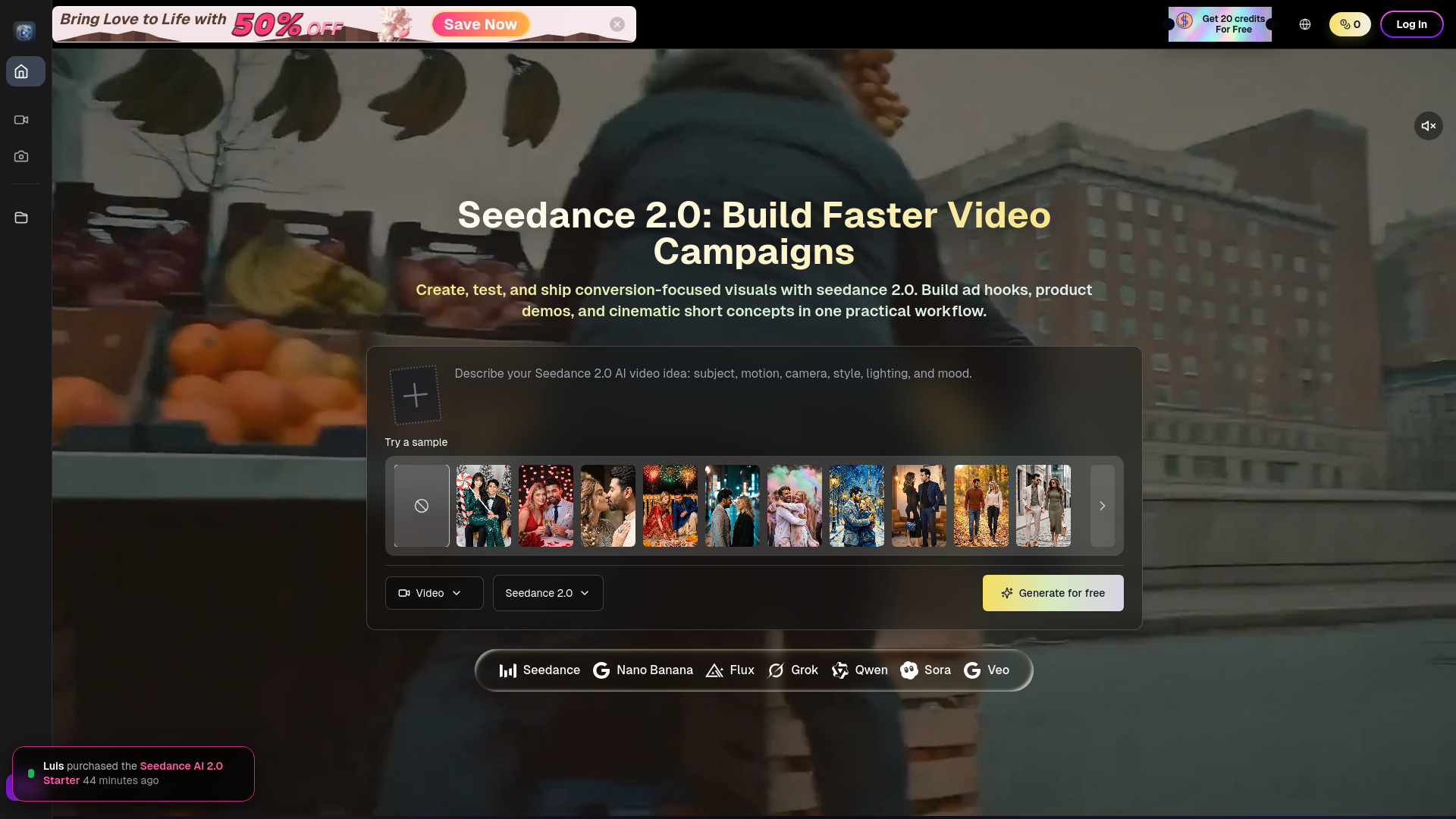
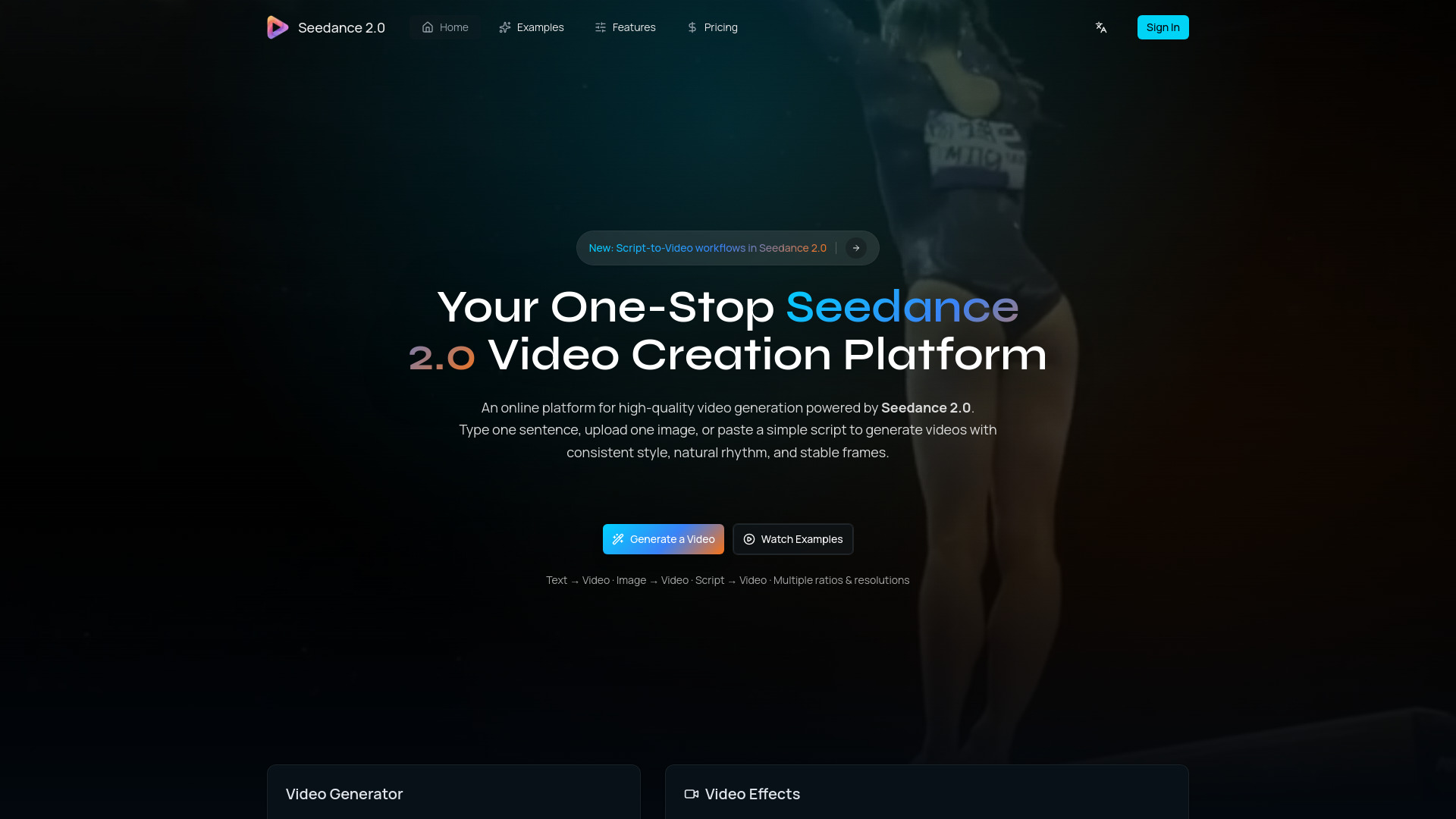
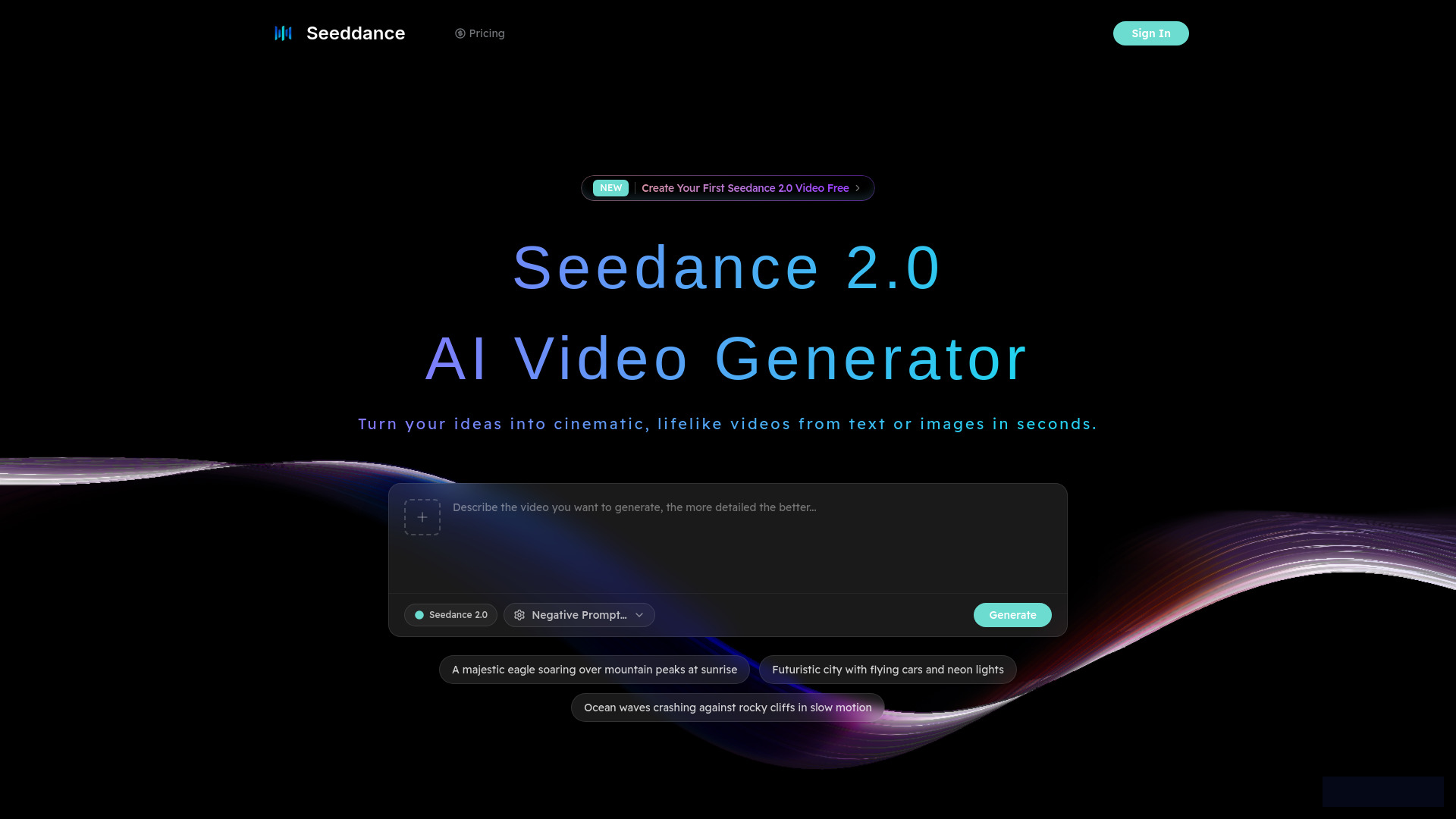
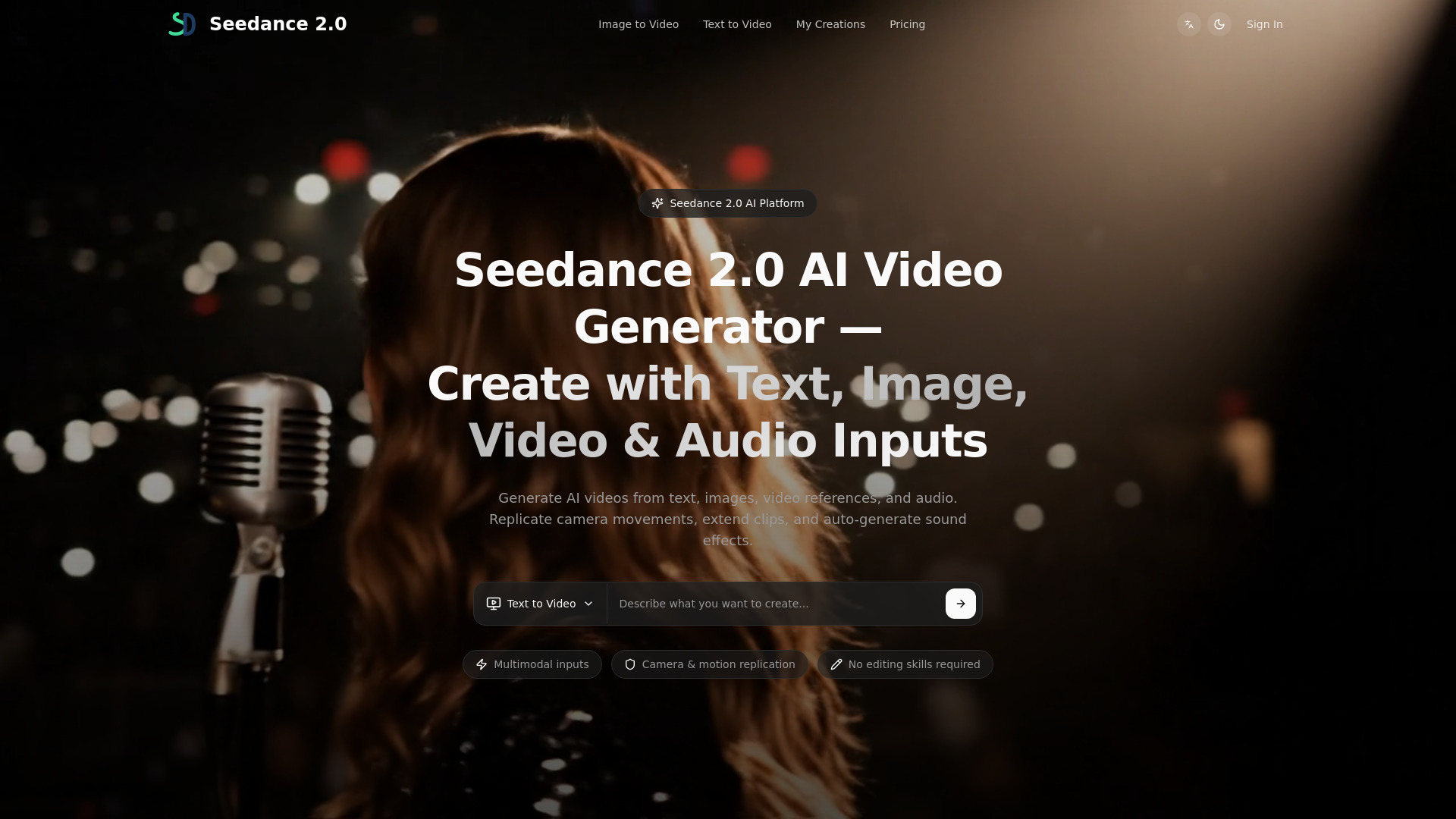
Seedance 2.0 is a multimodal AI video generator that allows users to create cinematic short videos from text, images, video references, and audio inputs. It offers precise control over camera movements, motion, and style, enabling users to generate videos in minutes without requiring extensive editing skills.
How to use Seedance2-3
- Choose Input: Select between text-to-video or image-to-video. Enter a prompt or upload a reference image.
- Generate: Configure settings such as model, aspect ratio, and duration, then initiate the generation process.
- Refine & Export: Iterate on prompts and settings, then export the final video based on your plan and chosen options.
Features of Seedance2-3
- Multimodal Inputs: Accepts text, images, video references, and audio. Can combine up to 12 files per generation.
- Camera and Motion Replication: Replicates camera trajectory, action pacing, and visual effects from reference videos.
- Video Extension: Extends existing videos forward or backward, maintaining visual continuity.
- Character Replacement & Scene Editing: Allows replacement of characters or objects within existing videos while preserving the scene.
- Automatic Sound Effects & Music: Generates sound effects and background music that match on-screen action. Supports MP3 upload for audio references.
- One-Take Long Shots: Generates long shots with consistent characters, environments, and camera flow.
- Multi-Segment Generation: Creates multi-segment videos with continuity between cuts.
- Generation Settings: Configurable aspect ratio, duration (4-15 seconds), and generation mode. Output is rendered at 720p.
Use Cases of Seedance2-3
- Social Media Marketing: Draft short-form video concepts for platforms like TikTok, Instagram Reels, and YouTube Shorts.
- E-commerce Product Videos: Create video drafts from product images to explore presentation styles.
- Video Production & Filmmaking: Storyboard ideas and visualize scenes for pre-production.
- Business Presentations: Develop video drafts for decks, training materials, and internal updates.
- Creative & Artistic Projects: Explore video art, music visualizations, and experimental concepts.
- Educational Content: Draft educational and explainer videos to illustrate concepts visually.
Pricing
Seedance 2.0 offers several pricing plans:
- Mini Plan: $15/mo, includes 500 credits.
- Standard Plan: $50/mo, includes 1000 credits. Popular plan with fast generation queue and priority support.
- Plus Plan: $99/mo, includes 2500 credits. Offers top priority queue, advanced model access, private mode, and dedicated support.
Additional credit packages are also available.
FAQ
- What is Seedance 2.0? Seedance 2.0 is a multimodal AI video creation platform that generates videos from text, images, video references, and audio inputs with precise creative control.
- How does Seedance 2.0 generate videos? Upload your materials (text, images, videos, audio), use '@' to assign each reference its role, set duration and parameters, then generate.
- Does it support text-to-video and image-to-video? Yes. Seedance 2.0 supports text-to-video, image-to-video, and multimodal reference input including video and audio references.
- Is there a free plan or trial? Plans and trials vary by region and time. Please check the pricing page for current availability.
- What output resolutions are supported? Resolution options depend on the selected mode and plan. Refer to the generator settings for the latest options.
- Is audio or voice supported? Yes. Seedance 2.0 auto-generates sound effects and background music. You can also upload MP3 files as audio references for tone and rhythm.
- Can I use outputs commercially? Usage rights depend on your plan and the terms shown at checkout.
- How is it different from other AI video tools? Seedance 2.0 focuses on clear controls and fast iteration, with features listed on the product pages.
- Does it support multiple languages or subtitles? Language and subtitle support vary by mode. Check the generator UI for available options.
- How can I improve generation quality? Use detailed prompts, set clear styles, and iterate on results. Small prompt changes can make big differences.