What is Codex Dream Skin
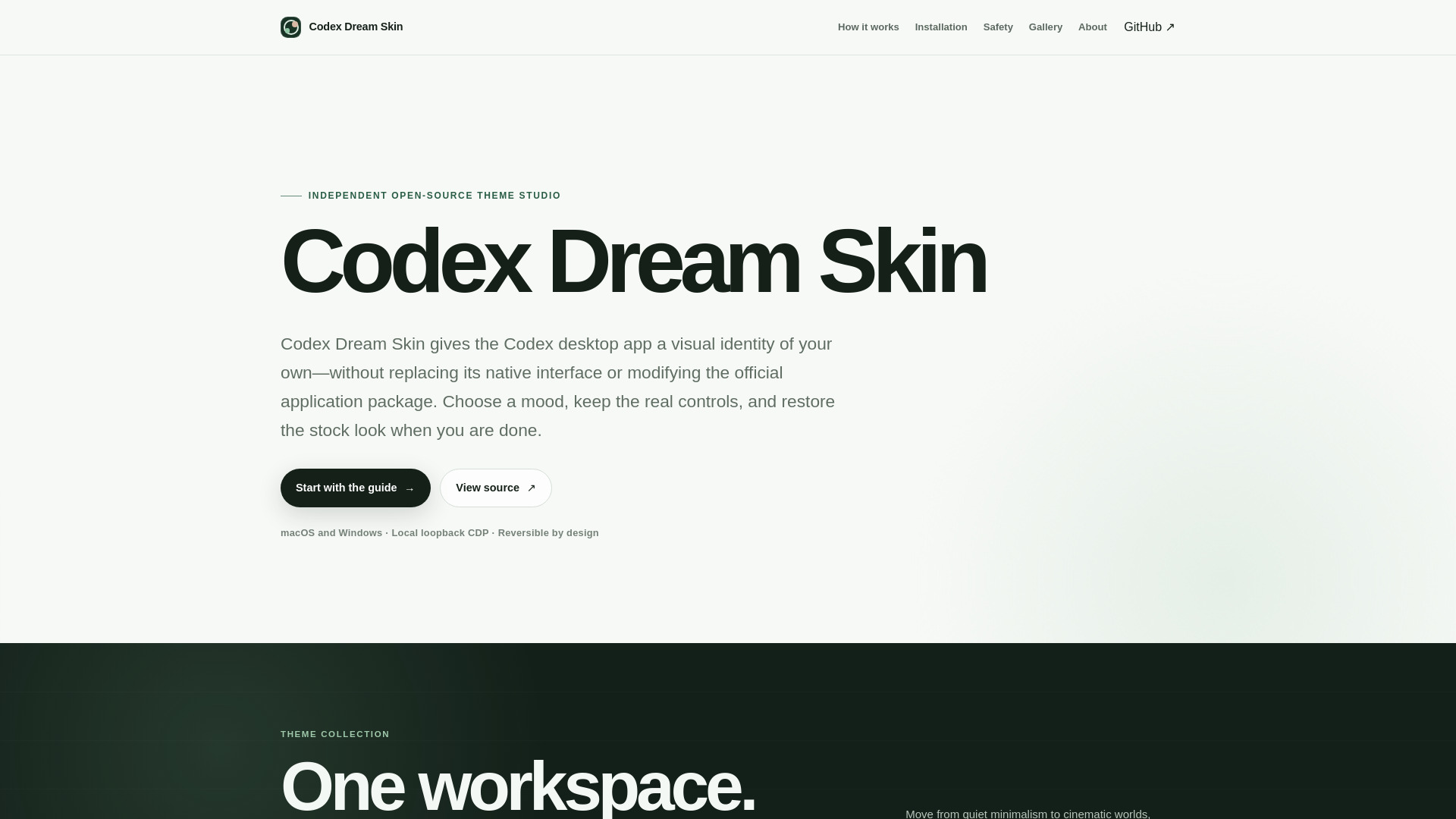
Codex Dream Skin is an independent open-source theme studio for the Codex desktop app. It applies reversible visual themes through local loopback CDP injection on macOS and Windows, without modifying the official application package. The project launches the official Codex desktop app with a local Chromium DevTools Protocol endpoint, validates the expected process and renderer, then injects CSS and small decorative DOM elements. The working interface remains Codex; your theme supplies the atmosphere.
How to use Codex Dream Skin
- Get the source: Download the current upstream source from the public GitHub repository and review the platform notes before running anything.
- Install locally: Run the macOS shell workflow (
./scripts/install-dream-skin-macos.sh --no-launch) or the Windows PowerShell workflow. The installer prepares a local launcher without rewriting the official Codex package.
- Launch and verify: Codex launches with a loopback CDP endpoint, the expected renderer is validated, and the visual layer is applied only after those checks pass.
- Make it yours: Choose restrained artwork and accents, confirm that native controls remain usable, and keep the restore path close whenever the themed session is no longer needed.
Features of Codex Dream Skin
- Native controls stay native: The sidebar, project picker, suggestion cards, task content, menus, and composer remain the real Codex interface—not a full-window screenshot.
- Your image becomes the atmosphere: On macOS, choose a wide image and tune accent colors. The project prepares it as a restrained banner and background beneath frosted content layers.
- The official package stays untouched: The scripts do not patch the Codex app bundle, app.asar, WindowsApps files, or the official code signature. The visual layer is applied at runtime.
- Restore is part of the design: Dedicated restore flows stop the injector, close the debug session, and return Codex to its stock appearance.
- Loopback-only CDP binding: The injector targets the expected Codex renderer over a local-only debugging port (127.0.0.1) and reapplies after relevant reloads.
- Two desktop platforms: Supports macOS and Windows.
- Open-source and inspectable: The project stays inspectable from the first step.
Use Cases of Codex Dream Skin
- Personalizing your coding workspace: People who spend long stretches inside a coding workspace can make that space feel personal without pretending the visual layer is the product itself.
- Theming without risk: Users who want to customize the Codex desktop app without modifying the official package or risking security boundaries.
- Temporary theme sessions: Apply a theme for a specific mood or task, then restore the stock appearance with one click.
- Creating custom themes: Design your own theme by choosing readable artwork and balanced accent colors.
Pricing
Codex Dream Skin is free and open-source. The project is accessible for free with no cost.
FAQ
Is Codex Dream Skin an OpenAI product?
No. It is an independent open-source customization project and is not affiliated with, endorsed by, or sponsored by OpenAI.
Does it replace the Codex interface with a screenshot?
No. Decorative layers are designed to sit behind or around the live renderer. The native controls remain interactive.
Does it change API keys or model provider settings?
No. The upstream project explicitly separates theming from API configuration and states that it does not silently rewrite API keys or base URLs.
Is local CDP risk-free?
No. Loopback binding blocks network exposure, but CDP is powerful and has no same-user authentication. Run only trusted local software while a themed session is active, then restore when finished.