What is Gpt Image 2 AI
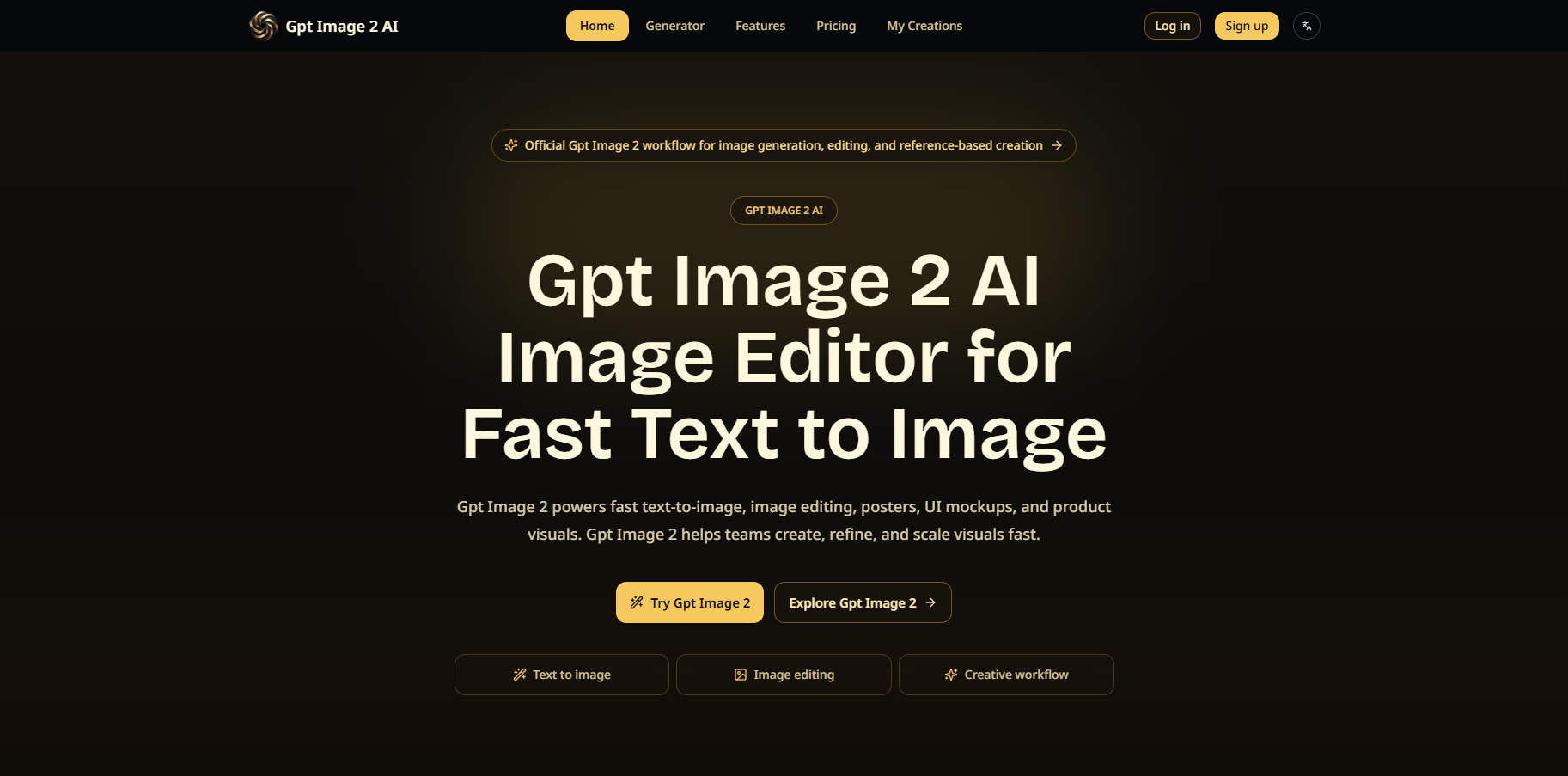
Gpt Image 2 AI is a fast AI image generator and editor designed for text-to-image creation, reference-based visual creation, editing, posters, UI mockups, and product visuals. It aims to help teams create, refine, and scale visuals quickly.
How to use Gpt Image 2 AI
- Define the Task: Clearly state the goal, whether it's text-to-image generation, product image refresh, poster design, UI mockups, character sheets, or reference-based editing.
- Provide Input: Use text prompts for new visuals. For more control over subject, layout, mood, or composition, upload a source image.
- Generate and Review: Create an initial result and review it for layout, atmosphere, subject consistency, and edit precision.
- Refine: Improve the output with more specific instructions, new references, or targeted prompt changes.
- Production: Move approved outputs into publishing, asset review, content pipelines, or broader creative operations.
Features of Gpt Image 2 AI
- Text-to-Image Generation: Create visuals from textual descriptions.
- Reference-Based Editing: Edit images using provided reference images for more control.
- Image Editing: Targeted edits for background changes, composition updates, and visual variants.
- Character Consistency: Maintain subject, styling, and scene direction across multiple images.
- Fast Iteration: Quickly test prompts, compare directions, and refine concepts.
- Natural Language Editing: Describe desired changes in plain language.
- Flexible Output: Suitable for portraits, illustrations, interface concepts, product visuals, and more.
- Multi-Modal Input: Accepts both text and reference images.
- Scene Direction: Useful for cinematic compositions, posters, and interface layouts.
- Workflow Integration: Fits into production pipelines for asset review and automation.
- Environment Replacement: Change backgrounds and add props to existing scenes.
- Product Placement and Branding: Integrate products and branding into scenes.
- Character Styling: Restyle subjects with different clothing, accessories, and settings.
Use Cases of Gpt Image 2 AI
- Fashion Design: Create outfit explorations, editorial styling, campaign mood boards, and model-based visual direction.
- Professional Photography: Build portraits, cinematic scenes, product hero images, and polished revisions.
- E-commerce Success: Support new backgrounds, seasonal variants, cleaner hero shots, and repeated product updates.
- Creative Content: Develop posters, illustrations, concept art, social graphics, and branded storytelling assets.
- Underwater Scene Direction: Transform underwater photography with cinematic marine additions and dramatic scale.
- Atmosphere Transformation: Shift scenes from daytime to evening with controlled mood and color balance.
- Product Placement and Branding: Place products and branded elements into existing scenes with clearer messaging.
- Character Styling: Restyle subjects with formal clothing, accessories, and event settings.
- Environment Replacement: Replace backgrounds, add props, and redesign scenes.
Pricing
- Basic: $9.9/month (1.5K credits/month, $0.66 cost per 100 credits)
- Plus: $29.9/month (7.5K credits/month, $0.40 cost per 100 credits) - Popular plan
- Enterprise: $79.9/month (24.0K credits/month, $0.33 cost per 100 credits)
FAQ
- What is Gpt Image 2 AI used for? Gpt Image 2 is used for text-to-image generation, image editing, poster creation, UI mockups, character sheets, product visuals, and marketing assets.
- How does Gpt Image 2 support image editing? Gpt Image 2 supports targeted editing with prompts and reference images for background changes, composition updates, and refreshed visual variants.
- Why do teams choose Gpt Image 2 for production work? Teams choose this workflow for product image refresh, campaign assets, posters, and repeatable editing with better speed and control.
- Can Gpt Image 2 create posters, UI mockups, and social visuals? Yes. It is suitable for editorial layouts, interface concepts, social screenshots, and branded visuals that need structured composition.
- Is Gpt Image 2 good for reference-based generation? Yes. It works well for guided changes from a source image, repeated variants, scene direction, and controlled composition updates.
- What kinds of content can I build with Gpt Image 2? You can build product refresh workflows, launch banners, portrait sets, concept art, poster campaigns, character sheets, interface concepts, and branded content systems.