What is Speclint
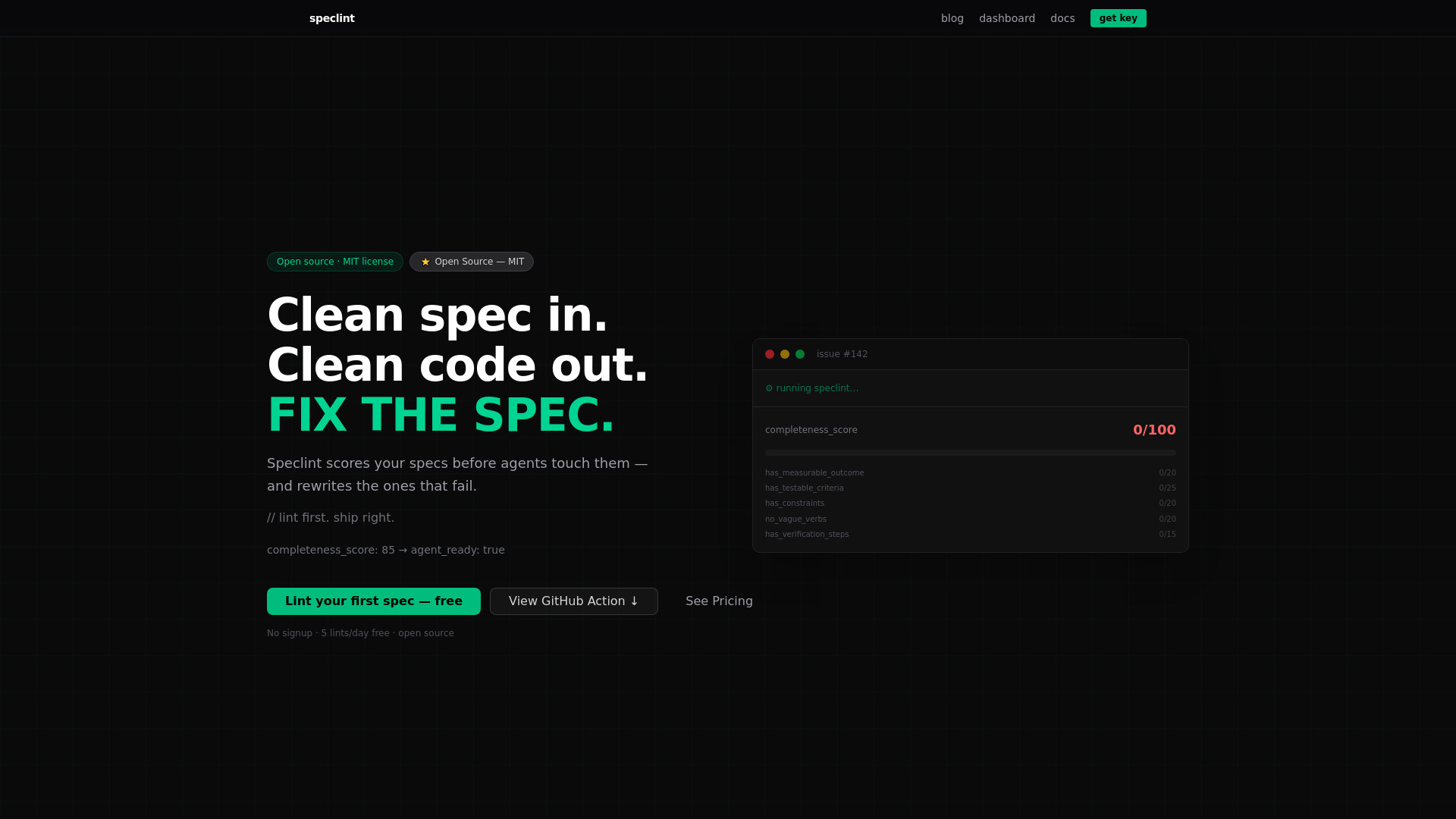
Speclint is a spec quality gate designed for AI-native development teams. It scores GitHub issues on a scale of 0-100 across five dimensions before AI coding agents interact with them. This deterministic regex scoring aims to prevent AI hallucination in the diagnostic process. Speclint is available as a CLI tool, a GitHub Action, and an MCP Server.
How to use Speclint
- GitHub Action Integration: Add the Speclint GitHub Action to your
.github/workflows/speclint.ymlfile. It automatically triggers onissues.openedandissues.editedevents. - CLI Usage: Run
npx speclint lint --issue [issue_number]from your terminal. - API Integration: Send spec text to the
/api/lintendpoint via a POST request. For standalone rewriting, use the/api/rewriteendpoint. - MCP Server: Mount Speclint as a tool within Claude Desktop, Cursor, or other MCP hosts using the tool name
speclint_lint.
Features of Speclint
- Deterministic Scoring: Scores specs from 0-100 across 5 dimensions using regex, avoiding AI hallucination.
- GitHub Action: Automatically runs on issue creation and edits, posting comments and applying labels.
- CLI Tool: Allows for direct linting from the command line.
- REST API: Provides endpoints (
/api/lint,/api/rewrite) for integration with custom workflows and orchestrators. - MCP Server: Enables integration with AI agent environments like Claude Desktop and Cursor.
- Open Source: The scoring engine, CLI, and GitHub Action are open source (MIT license).
- Codebase Context Scoring: (Solo/Team plans) Scores specs against your actual technology stack.
- Agent Profiles: (Solo/Team plans) Tailors rewrites for specific agents like Cursor, Codex, and Claude Code.
- Batch Processing: (Team plan) Allows linting multiple specs in a single request.
- Rewrite Capability: Can automatically rewrite specs to meet quality thresholds.
Use Cases of Speclint
- Improving AI Coding Agent Efficiency: Ensures AI agents receive well-defined specs, reducing rework and improving code quality.
- CI/CD Pipeline Integration: Acts as a quality gate within the development workflow via GitHub Actions.
- Automated Spec Refinement: Automatically identifies and suggests improvements for incomplete or vague specifications.
- Standardizing Spec Quality: Enforces a consistent level of spec quality across development teams.
Pricing
- Free: 3 requests/day, 5 items per request, 1 rewrite preview/day. No signup required.
- Lite ($9/mo): Unlimited lints, 10 full rewrites/day, API access.
- Solo ($29/mo): Unlimited lints and rewrites, codebase_context scoring, agent profiles, 25 issues per batch request, priority support.
- Team ($79/mo): Everything in Solo, plus 50 issues per batch request, rewrite chain, cross-spec context, usage dashboard, and SLA.
FAQ
- What does Speclint actually score?
Speclint scores specs on a
completeness_score(0-100) across five dimensions:has_measurable_outcome(20pts),has_testable_criteria(25pts),has_constraints(20pts),no_vague_verbs(20pts), andhas_verification_steps(15pts). A score of 70 or above is consideredagent_ready. - Is this free? The scoring engine, CLI, and GitHub Action are open source and free. The cloud API has a free tier with limited requests and previews. Paid plans offer expanded features and higher limits.
- Can't I just use ChatGPT to improve my specs? Speclint scores specs on defined dimensions, rewrites only failing parts, and proves improvement through re-scoring. ChatGPT focuses on prose and doesn't offer scoring or CI integration. Speclint integrates directly into workflows.
- How do I integrate with GitHub?
Add the Speclint GitHub Action to your
.github/workflows/speclint.ymlfile. It runs automatically on issue events. - Does it work with Cursor, Codex, and Claude Code? Yes, Speclint works upstream of any coding agent, improving spec quality before the agent receives it.
- Can I use it without GitHub?
Yes, via the REST API (
/api/lint,/api/rewrite) or MCP server integration. - What's the difference between Lite and Solo? Lite offers full rewrites with daily limits. Solo adds codebase-aware scoring, agent profiles, and unlimited rewrites.
- How is this different from just writing better tickets? Speclint automates the enforcement of spec quality, provides consistent standards, integrates into workflows, and offers automated rewriting, going beyond manual best practices.
- What is agent_ready?
agent_ready: trueis a label applied to issues scoring 70 or above, indicating the spec is ready for an AI agent. The threshold is configurable. - Is my spec data stored? Specs submitted via the free web tester are not stored. API submissions are processed in memory and not logged or retained.